Getting started
Getting started with operator admin
Your venue admin is at {your-slug}.sweepa.io/admin. Bookings, clients, invoices and settings all live there, in one place.
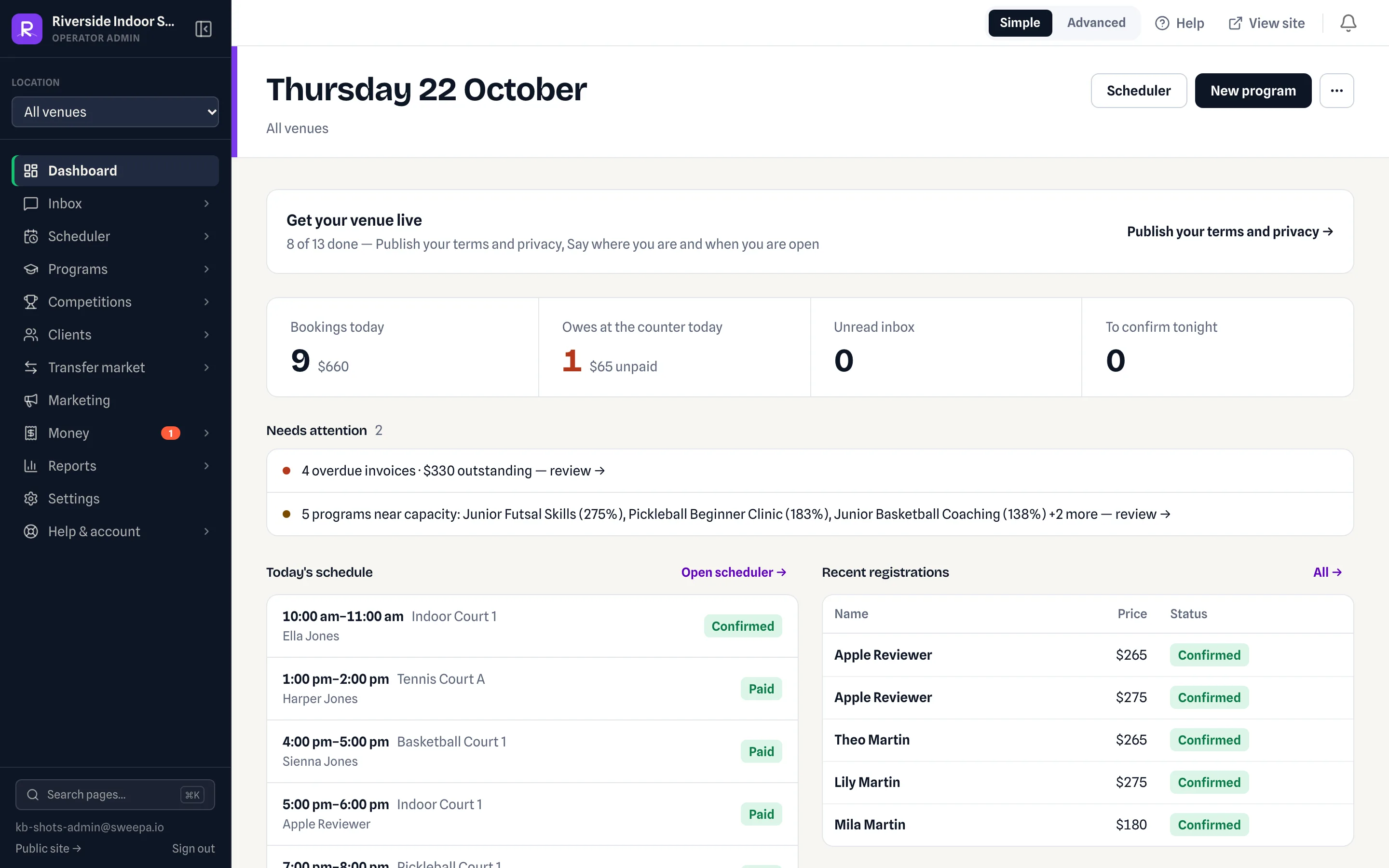
Finding your way around
- Dashboard (
/admin) — an overview of your venue. - Location selector — if you have more than one location, pick the active one in the sidebar. Day views show the selected location.
- Help & guides (
/admin/help) — guides, plus the help assistant for "how do I…?" questions.
Steps
- Venue setup (
/admin/settings/venue) — your courts, opening hours and booking rules. Each venue is one workspace with four tabs: Courts, Hours & closures, Booking rules and Venue details. - Rates (
/admin/settings/pricing) — what customers pay for bookings. Fill in the rate card: a venue with no prices quotes every slot at $0. - Stripe Connect (
/admin/billing) — accept online payments. - Start taking bookings on the Scheduler, and registrations under Programs.
Managers and owners can also read "Setting up venue & pricing", "Rates — your rate card", "The go-live checklist" and "Stripe Connect setup".
Related
Last updated 22 October 2026